
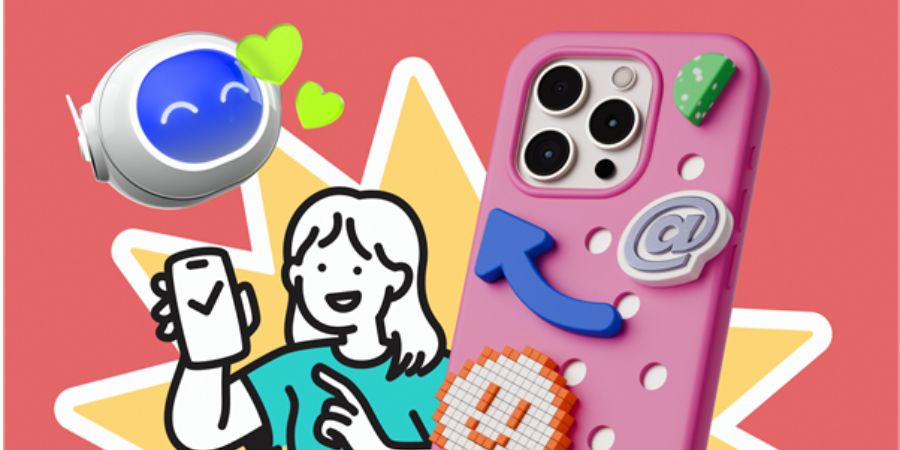
Most digital products lose their visual identity in the gap between custom art and stock photography. You either burn budget on custom assets that take weeks to produce, or you settle for disjointed stock vectors. The latter often makes an app look like a Frankenstein monster of conflicting styles.
Ouch, the illustration arm of Icons8, targets this specific friction point. It isn’t merely a bucket of clip art. It functions as a system of visual components. With over 101 styles and coverage across major UX categories, it poses an interesting answer to a difficult question: can an off-the-shelf library actually support a coherent brand system?
Systemizing UI Assets For A Fintech Dashboard
Empty states and onboarding flows are where immersion usually breaks. A product designer working on a fintech dashboard needs to visualize abstract concepts: transaction success, server errors, and account verification.
Using Ouch, the designer starts by selecting a specific style filter. Consistency is the priority. A “flat, geometric” login screen cannot coexist with a “hand-drawn sketchy” 404 page. Ouch organizes its 28,000+ business illustrations by style families. The designer selects a style that matches the clean lines of their UI framework.
Next, they download the SVGs for the “Technology” and “Finance” categories. Because the assets are vector-based, the designer opens them in Illustrator or Figma to fine-tune stroke weights. They might take a “server error” illustration-originally depicting a robot with a wrench-and adjust the robot’s primary color to match the app’s specific shade of alert red. The result is a set of assets that appear bespoke, covering the user journey from signup to error handling. No commissioning lead time required.
Elevating Marketing Content With 3D Motion
Marketing teams operate with different constraints than product teams. Speed and engagement are the metrics that matter. Consider a social media manager tasked with promoting a new line of educational software. Static images die in the feed. The goal is motion and depth.
The manager navigates to the 3D section of Ouch, which houses 44 distinct 3D styles. They aren’t looking for flat vectors. They want the tactile, playful look of rendered objects. A style featuring soft lighting and rounded textures fits the education brand perfectly.
Instead of grabbing a PNG, they opt for animated formats. Ouch provides Lottie JSON files and MOV formats for many illustrations. The manager downloads a 3D character reading a book and an animated globe. They drop these assets into a simple video editor or directly into a web builder that supports Lottie.
Because the style is consistent, they build a landing page where the hero section, feature list icons, and footer graphics all share the same 3D rendering language. No need to model characters in Blender. No need to hire a motion graphics artist. The campaign launches in hours rather than weeks.
Workflow: A Tuesday Morning With The Pichon App
Speed often defines whether a design feels polished or rushed. A typical workflow using Ouch often bypasses the browser entirely through the Pichon desktop app.
A freelance web developer sits down to mock up a landing page for a toy store client. Wireframes are ready in Figma, but visuals are missing. They open Pichon, which syncs with the Ouch library, and keep it floating over their canvas.
They need a metaphor for construction and creativity. Typing “blocks” into the search bar populates results instantly. They filter for a colorful, playful style. A stack of interlocking bricks appears, reminiscent of lego clipart, but stylized to fit a modern web aesthetic.
They drag the vector directly from Pichon onto the Figma canvas. It lands as a fully editable vector object. The yellow of the blocks clashes slightly with the client’s brand palette. Since it isn’t a flattened image, they select the yellow shape layers and sample the client’s brand gold. In under two minutes, a branded, high-quality illustration sits in the hero section. They repeat this for the “Features” section, dragging in a delivery truck and a gift box in the exact same style. The mockup is finished before lunch.
Comparing Ouch To The Alternatives
The illustration market is crowded. Ouch occupies a specific niche between the “everything bucket” and the “single artist” collections.
Undraw
Undraw is the ubiquitous free option. It’s open-source and easy to recolor. But that ubiquity is a double-edged sword. Because it’s free and decent, it’s everywhere. Using Undraw signals “bootstrapped startup” immediately. Ouch offers significantly more stylistic variety, preventing your brand from looking like a template.
Freepik
Freepik is massive. Its volume dwarfs almost everyone else. But Freepik is an aggregator of thousands of different contributors. Finding five illustrations that look like they were drawn by the same hand is difficult. Ouch produces its styles in-house or with tight art direction. Find a style you like, and there are likely hundreds of matching assets waiting for you.
Humaaans
Humaaans is excellent for mixing and matching characters. But it is limited to… humans. If you need a server rack, a cryptocurrency coin, or a delivery drone, you’re out of luck. Ouch covers the full spectrum of objects, nature, and technology.
Limitations And Where It Falls Short
Ouch isn’t a magic bullet for every creative problem. Professional designers need to acknowledge distinct limitations.
The “Almost” Factor
Sometimes a style is 90% perfect but lacks one specific metaphor. If you use a very niche artistic style (like “Surrealism”), the library might not have a specific representation for something complex like “Kubernetes container orchestration.” You are then forced to use a generic computer image or break style consistency.
Attribution Friction
The free tier requires a link back to Icons8. For professional client work or corporate landing pages, footer attribution is often unacceptable. This forces the move to a paid plan. While pricing is reasonable, it remains a barrier for casual users who just want one clean SVG without strings attached.
SVG Dependency
To get the most out of the library, you need to be comfortable handling SVG files. PNGs work for slide decks. But for web production, you need the vector source to ensure crispness on high-density displays. If you aren’t comfortable with vector editing software, you lose half the value of the platform.
Practical Tips For Power Users
Commit to One Style ID
When you find an illustration you like, note the style name or ID. Don’t mix “Codevember” style with “Pale” style, even if they look somewhat similar. Subtle differences in line weight and shading will subconsciously signal “low quality” to users. Stick to one family.
Use Mega Creator
If an illustration is almost right but too complex, use the Mega Creator tool. It lets you remove elements. If a “Teamwork” illustration features three people but you only want two, delete the third person rather than cropping the image awkwardly.
Check the Animation Formats
Before falling in love with a static 3D style, check if it has Lottie counterparts. If you plan to animate your UI later, starting with a style that already has motion assets saves you from having to animate static 3D renders manually.
Filter Strategically
If you are on a zero-budget project, toggle the “Free” filter immediately. It saves the heartache of finding the perfect asset only to realize it sits behind a paywall. The free selection is solid, provided you can accommodate the attribution requirement.